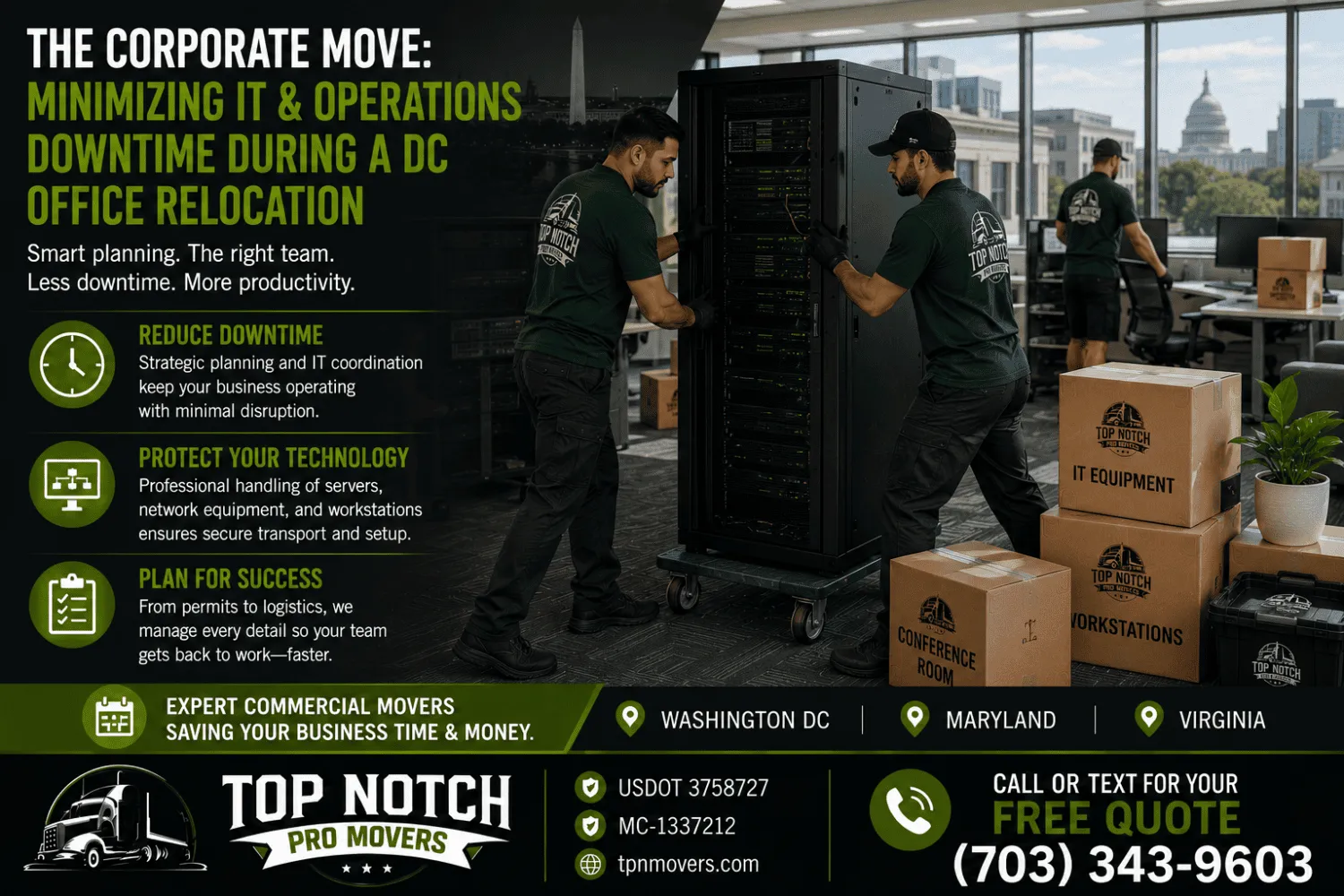


A desk can survive a bump. A server usually can’t. That distinction is why IT equipment gets treated differently on moving day than everything else in an office, and why businesses working with a local moving company in Virginia, a commercial moving company in Virginia, or a provider handling long distance moving in Virginia usually ask up front how technology assets will be packed, transported, and reconnected. A single jolt can cause a spinning hard drive to fail. Static discharge can quietly damage a circuit board with no visible sign of harm until the device is powered back on. And equipment holding client records or financial data carries compliance obligations under frameworks such as HIPAA, SOX, or PCI-DSS that standard furniture never has to account for.
This article breaks down which categories of IT equipment need special handling during an office move, what that handling typically involves, and how businesses can avoid the most common and costly mistakes.
Why IT Equipment Is Treated Differently
Office furniture is built to tolerate rough handling. IT hardware is not. Hard drives with spinning platters can suffer data loss from a single drop or hard jolt. LCD monitors crack under stacking pressure that a filing cabinet would shrug off. Network switches can lose port integrity from a fall of just a few inches. Layered on top of that physical fragility is a data security concern that general movers rarely have to think about: servers and storage devices often hold client records, proprietary files, and financial data that carry legal and regulatory weight if mishandled in transit.
Equipment That Requires Special Handling
Not every piece of office technology needs the same level of care. The table below breaks down common categories and the handling considerations tied to each.
| Equipment Type | Primary Risk | Handling Requirement |
|---|---|---|
| Servers and server racks | Data loss from shock or vibration | Custom crating, anti-static wrap, air-ride transport |
| Networking hardware (switches, routers) | Port and connector damage | Individual padding, labeled cabling before disconnection |
| Desktop workstations | Hard drive failure, screen damage | Upright transport, anti-static bags for internal components |
| Monitors and displays | Cracked screens from stacking | Custom-sized bubble wrap, vertical loading |
| Telecom and phone systems | Configuration loss on reconnect | Documented settings before disconnection |
| Backup drives and storage media | Data corruption, physical damage | Separate transport from primary equipment, encrypted where possible |
The Cost of IT-Specific Handling
IT handling adds a measurable line item to most commercial moving budgets, and the range depends heavily on office size and equipment complexity. A small office with standard workstations and a single network closet typically sees IT-specific handling add somewhere in the range of one to three thousand dollars to the total move cost. Mid-sized offices with a dedicated server room and multiple network closets often fall between three and eight thousand dollars. Larger operations running full data centers or redundant systems with compliance requirements can push well beyond that. Knowing where a business falls on this spectrum before requesting quotes makes it easier to compare estimates accurately.
Data Security and Chain of Custody
Physical damage is only one half of the risk equation. The other half is data security. Servers, laptops, and storage devices should be transported with a documented chain of custody, meaning a clear record of who handled the equipment, when it changed hands, and how it was secured at each step. For businesses in regulated industries such as healthcare, finance, or legal services, this documentation is not just good practice, it can be a compliance requirement. Encrypting data before the move and keeping backup drives separate from the primary equipment being transported adds an additional layer of protection in case anything is lost or damaged along the way.
Packing Materials That Matter
Standard moving boxes and blankets are not built for electronics. Anti-static bags prevent electrostatic discharge from damaging circuit boards during handling, which is a real risk given that static electricity can build up simply from equipment sliding against packing materials. Custom-fit crates protect servers and larger hardware from vibration and impact, while climate-controlled trucks with air-ride suspension reduce the shock that standard vehicles transmit through the cargo area. None of this is necessary for a filing cabinet, but all of it matters for a rack of production servers.
| Packing Material | Purpose |
|---|---|
| Anti-static bags | Prevents electrostatic discharge damage to circuit boards |
| Custom server crates | Protects racks and heavy equipment from vibration and impact |
| Climate-controlled transport | Prevents heat and humidity damage during transit |
| Air-ride suspension vehicles | Reduces shock transmitted to sensitive hardware |
Common Mistakes That Lead to IT Damage
The most frequent mistake is treating IT equipment the same as everything else on the truck, packed alongside furniture without separate crating or padding. A close second is disconnecting cables without labeling them first, which turns a reconnection that should take a few hours into a multi-day troubleshooting project. Businesses also sometimes skip a pre-move backup, assuming the equipment will arrive fine, only to discover a damaged drive with no recent recovery point. Crews that have handled equipment moves for clients of Top Notch Pro Movers consistently point to labeling and backups as the two steps that prevent the most headaches after the truck is unloaded.
Working With Movers Who Understand IT Assets
Not every moving company has experience with server racks and networking equipment, and it is worth asking directly about anti-static packing, crating options, and climate-controlled vehicles before booking a move that involves significant IT infrastructure. Coordinating between the internal IT team and the moving crew, rather than treating them as separate workstreams, tends to produce the smoothest outcomes. Businesses that have gone through this process with Top Notch Pro Movers often mention that having IT staff present at both the pickup and delivery points made reconnection faster, since questions could be answered on the spot instead of over the phone after the fact.
Frequently Asked Questions
What IT equipment is most at risk during an office move?
Servers and hard drives carry the highest risk, since a single jolt can cause permanent data loss. Monitors and networking hardware also require careful handling due to their sensitivity to pressure and impact.
Do I need to back up my data before an office move, even with professional movers?
Yes. Backups should be completed regardless of who is handling the physical move, since even careful transport carries some risk. A recent, verified backup is the simplest safeguard against data loss.
How much extra does moving a server room typically cost?
Costs vary based on the size of the server room and the equipment involved, but IT-specific handling commonly adds anywhere from a few thousand dollars for a small office to well over ten thousand for a full data center.
Should IT staff be present during the move?
Having IT staff on-site at both the old and new location helps address configuration questions in real time and generally speeds up the reconnection process once equipment arrives.
What is chain of custody and why does it matter for an office move?
Chain of custody is a documented record of who handled a piece of equipment and when. It matters most for businesses in regulated industries, where sensitive data must be accounted for at every stage of the move.
Final Thoughts
IT equipment carries risks that standard office items simply don’t, from physical fragility to data security obligations that can have real regulatory consequences. Businesses that treat server rooms and networking closets as a distinct part of the move, rather than an afterthought, tend to come out the other side with less downtime and fewer surprises. Clients who have relocated technology-heavy offices with Top Notch Pro Movers generally point to the same lesson: asking detailed questions about packing materials, chain of custody, and IT coordination before move day pays off far more than dealing with a damaged server after the fact.